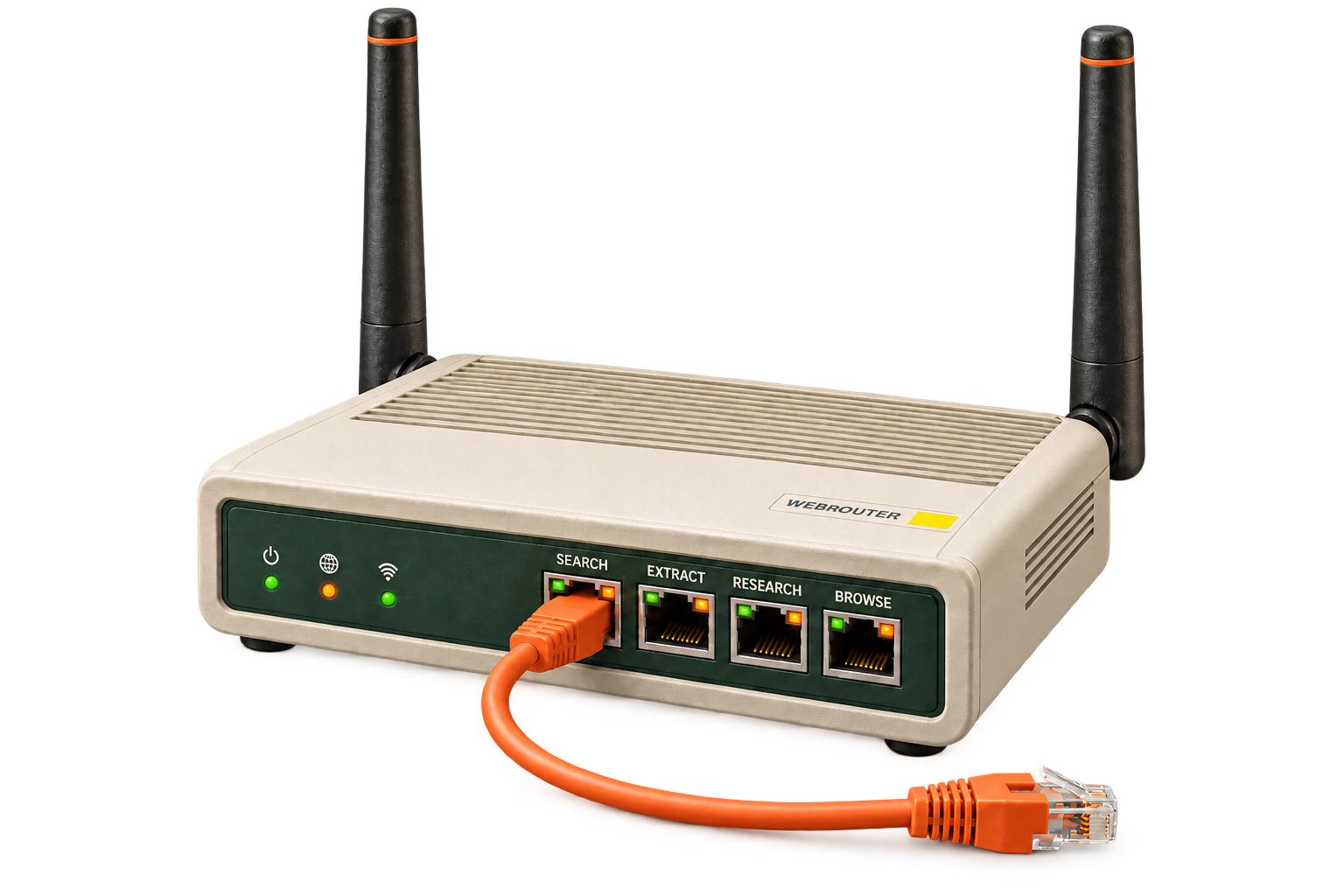
A new connection for a new kind of user.Design exploration 02 / Field terminal
Open-source web access for agentsWR—02 / EST. FOR THE NEXT INTERNET
ONE INTERFACE FOR AGENTS TO USE THE WEB.
Your computer has a router. Give your agents one, too. One request. Multiple ways to reach the web. A route chosen for the task, your budget, and how long you can wait.
“What is this product's current price, and is it in stock?”
1¢15¢
1 SEC30 SEC
04 / ROUTING PREFERENCE
Keep the request fixed. Change the constraints. Watch the selected approach change.
ONE REQUEST → FOUR POSSIBLE APPROACHES
ROUTER DECISION / LOCAL SIMULATION
Search + extraction
A live-page route that fits your limits.
3¢EST. TOTAL COST
4sEST. LATENCY
All costs, times, and task-fit scores in this planner are invented demo estimates—not provider prices, measurements, or guarantees. The planner selects among eligible routes using the chosen preference. It shows the smart-routing product direction; current implementation scope is described in the open chassis.
A model router chooses which model handles a request. A web router chooses how the agent reaches the web. The decision can span indexed search, live extraction, a browser, or a deeper research workflow—and then the provider behind that approach.
Pick an agent. Select a port. Swap the provider behind it. The connection to your agent stays the same.
WEBROUTER / CONNECTION UTILITYLOCAL DEMO · NO API KEYS
INPUT / CONNECTED AGENT
Research agent connected
webrouterLINK READY
PORT 01 / SEARCH → NIMBLE
OUTPUT / PROVIDER ADAPTER
TRAFFIC LOG / SIMULATED
00Connection utility initialized.
—Awaiting your first request_
STATUS: STANDING BY
Ready when you are.
Follow a request from your agent through a capability port and provider adapter.
This interactive concept uses local example rules and simulated responses. Failover illustrates a design direction; it is not evidence of live routing or universal provider compatibility.
02 / The field guide
FAMILIAR HARDWARE. NEW POSSIBILITIES.
We already know what a router does for our devices. That same visual language gives agent infrastructure a shape people can understand.
FIG. 02 / CONNECT
Your agent is the new device.
A computer connects once to reach the network. An agent connects through a common interface to access web capabilities.
DEVICE → AGENT ETHERNET / WI-FI → MCP / LIBRARY
FIG. 03 / CHOOSE
A port for every capability.
Search, extract, research, and browse each have a clear place. Providers sit behind those capabilities as replaceable adapters.
PORT → CAPABILITY UPSTREAM CONNECTION → PROVIDER
FIG. 04 / OBSERVE
See where the request goes.
Activity lights become useful status. Traffic logs make the selected method, provider, and failures understandable.
LIGHTS → REQUEST STATUS TRAFFIC LOG → ROUTE TRACE
03 / At the boundary
YOUR NETWORK. YOUR RULES.
A router gives a network a boundary. WebRouter gives us a familiar way to explain checks on what an agent sends out and what comes back.
POLICY INTEGRATION CONCEPT The Runlayer work starts with a local-browser example. These controls demonstrate scoped checks, not live protection across every capability.
POLICY CONTROL UNITLOCAL SIM.
OUTBOUND CHECKProtect outgoing information
INBOUND CHECKInspect incoming instructions
Select a synthetic sample. See where the configured check would stop it.
04 / No sealed boxes
OPEN THE BOX. MAKE IT YOURS.
The physical case is a metaphor. The openness is the point. Explore the common interface, provider adapters, and evolving decision and policy modules.
++++
webrouterOPEN-SOURCE CONNECTION / WR–02
SERVICEABLE BY DESIGN.Lift the lid. Explore what makes the connection work.
05 / The vendor ecosystem
MANY VENDORS. ONE OPEN CONNECTION.
Your agent connects once. The ecosystem keeps expanding. Choose the providers that fit your task—and make room for the next one.
22VENDORS IN THIS DIRECTORY
04WEB CAPABILITY FAMILIES
∞BUILT TO KEEP EXPANDING
22 vendors / Select a card to explore
No matching vendors.
Try another name or capability.
ADAPTER / 01
Nimble
Search, page extraction, and research through a shared interface.
Local demonstration / no provider call
+
THE NEXT VENDOR BELONGS HERE.
An open adapter interface gives new providers a way in. Add a capability behind the same connection your agents already use.
HOW AN ADAPTER FITS +
Map the provider's requests and responses to the common interface, declare its supported capabilities, and test the integration. Each new adapter adds another option for the router.
This directory shows the WebRouter provider ecosystem. Capabilities and availability depend on the adapter, account, and deployment; managed access may differ. Browse includes browser sessions and browser-agent tools.